
How to Create Custom AI Tutor That Helps Learners Practice, Reflect, and Improve
A practical guide for educators who want to create custom AI Tutors and tools around learning goals instead of generic content help. Using an AP U.S. History test-prep GPT as an example, this article shares a practical step-by-step process for designing custom learning GPTs or Gemini Gems around specific goals, such as test preparation, writing support, language learning, or professional development, with examples and copy-paste prompts educators can adapt to support practice, feedback, reflection, and skill development.
TEACHING
Olia Tomski
5/17/202610 min read
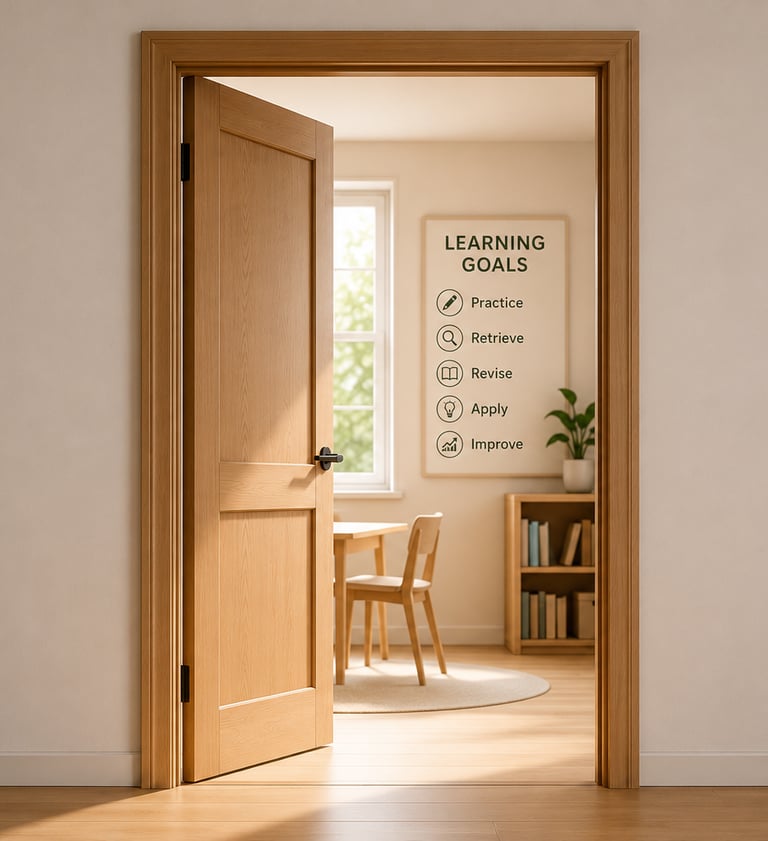
If educators are already experimenting with paid AI tools and subscriptions, we should expect more from them than quick explanations. Custom GPTs and Gemini Gems allow users to create a version of an AI Tutor for a specific purpose, audience, or task instead of starting from a blank chat every time. For educators, that opens the door to designing tools around actual learning goals, not just broad subject areas. A useful AI Tutor designed for learning should help students practice, retrieve, revise, apply, and improve. Recently, I wanted to build a custom GPT to help my daughter prepare for the AP U.S. History exam in 10 days and pass. That distinction made a difference because it changed the entire design of the GPT from a general tutor to a scoring coach.
The process I used can work for almost any educator who wants to create a custom AI Tutor for students, teachers, test prep, professional learning, language learning, writing support, or skill development.
Here is the step-by-step process I followed.
For educators, that opens the door to designing tools around actual learning goals, not just broad subject areas.
Start here if you've never created a GPT or Gem
In ChatGPT
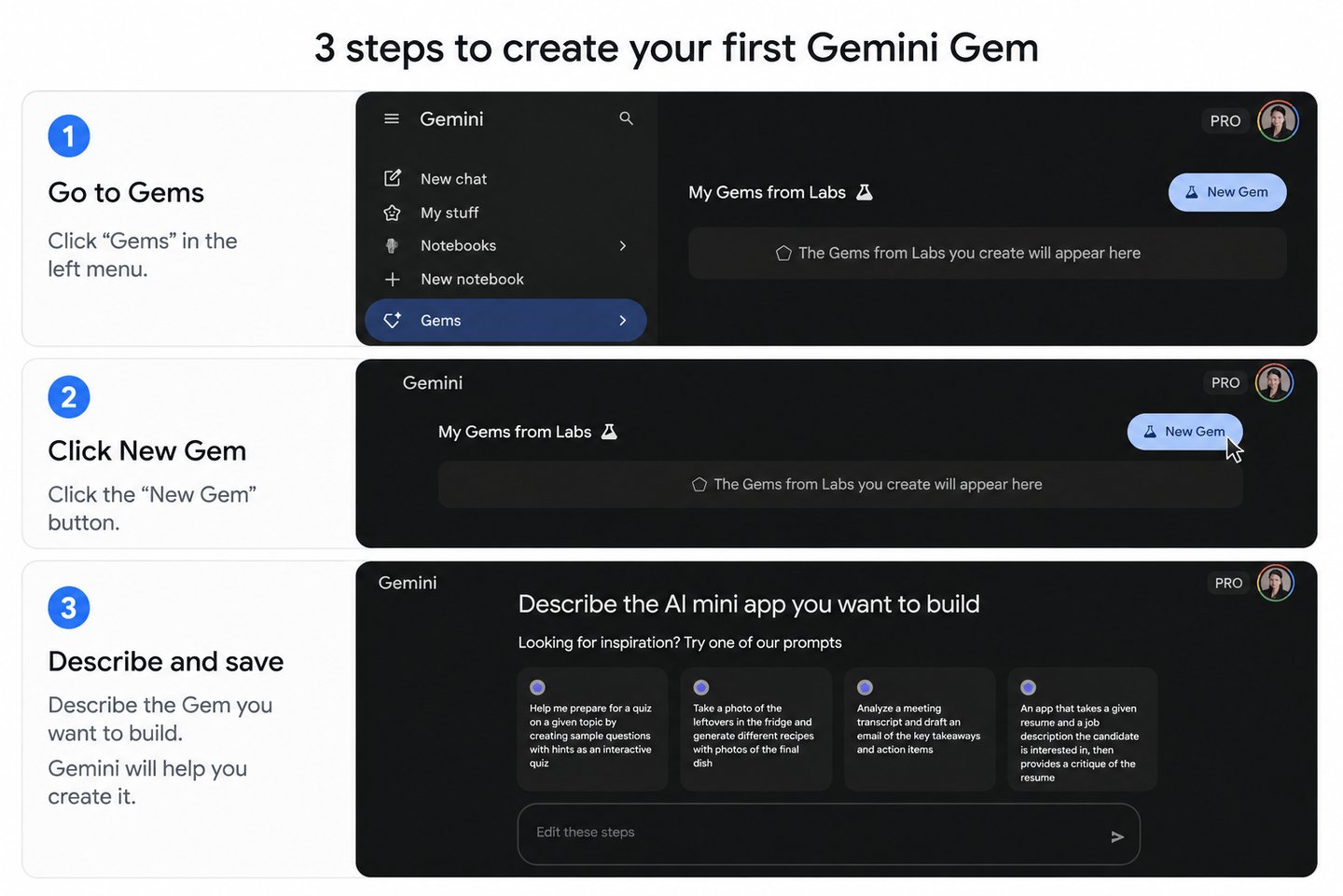
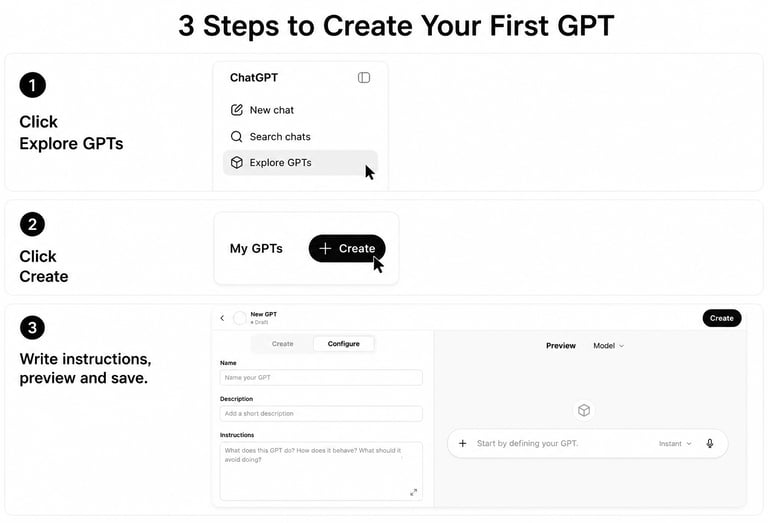
Users can create a GPTs. Go to https://chatgpt.com/ click the GPTs area, then choose Create, write instructions, test it in preview, and save it. GPT building is currently done on the web version, not in the mobile app.
In Gemini
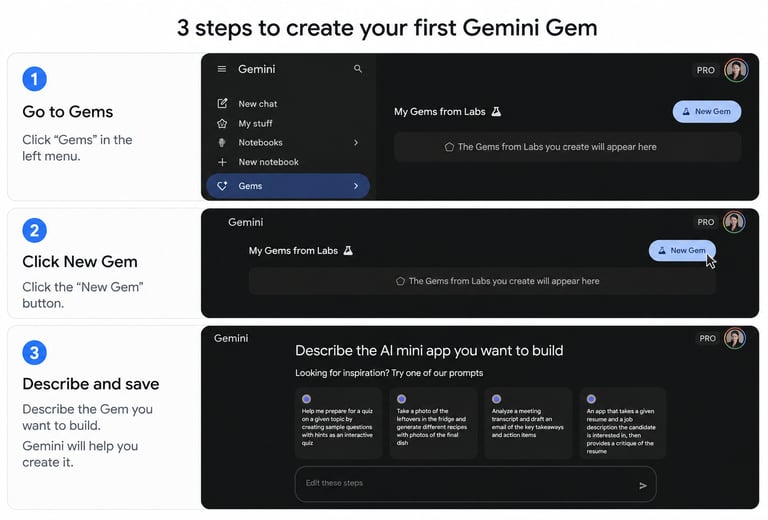
Users can create Gems. Go to gemini.google.com, choose Explore Gems or Gems, select New Gem, name it, write instructions, preview it, and save it.
But the platform buttons are not the real work. The real first step is locking in on the end goal:
“What should this tool help learners do better?”
Step 1: Start with the learning outcome, not the topic
My first instinct could have been to say:
“Create an AI Tutor that teaches AP U.S. History.”
But that would have produced a nice, polite, mostly useless tutor that already saturate AI chat history.
The actual goal was framed as:
“ to create a GPT/Gem that helps me prepare for and pass the AP U.S. History exam with flying colors in 10 days.”
The prompt I started with:
Now the AI was responsible for training for:
timing
rubric-based writing
multiple-choice strategy
short-answer responses
DBQ structure
LEQ structure
evidence recall
error correction
daily study momentum
That is the first lesson. Build it around the performance you want.
A nursing AI Tutor should not just “summarize a textbook chapter.” It might need to help them think like a nurse by recognizing priority care, identifying red flags, explaining why one intervention comes before another, practicing SBAR communication, reviewing medical terminology, and learning how to apply classroom knowledge in messy real-world situations where, tragically, patients do not arrive labeled by chapter number.
An AI Tutor for an internationally trained ELL professional should not just “correct grammar.” It might need to help the learner rehearse meetings and interviews, understand cultural expectations in U.S. workplaces, practice concise self-introductions, prepare for networking conversations , explain credentials from another country, and develop professional English that sounds competent, natural, and credible.
The sharper outcome produces a stronger AI Tutor.
Step 2: Benchmark against another AI
This part was crucial for the final result.
I first asked Google Gemini to create a plan. Then I brought that plan into ChatGPT and asked for something better.
This gave me a starting point. Gemini suggested focusing on high-yield periods, mastering the rubric, using themes, and practicing APUSH-specific tasks. That was useful but not good enough.
The first version still felt like a study guide. I wanted something more like a training system.
So I challenged Chatty:
“Can you do better? Prove it.”
The prompt I used to challenge the AI:
That challenge made a difference because it forced the model to evaluate, not just generate. It had to look at the existing plan, identify what was valid, keep the useful parts, and improve the weak part.
You can use this same process.
Ask one AI to create a plan.
Ask another AI to critique and improve it.
Then compare the outputs like an instructional designer, not like a passive consumer.
You don’t need the prettiest answer. The best learning design is the winner.
Step 3: Move from “prompt” to “system”
At first, I thought I needed one great master prompt.
But one giant prompt generated just another wall of text. Students wouldn’t use it. Honestly, even teachers or any adult with good intentions would avoid it because we are incredibly talented at avoiding things that look useful but overwhelming.
So I broke the AI Tutor into micro-practices. For APUSH, those were:
Diagnostic Mode
Period Crusher
MCQ Source Decoder
SAQ Strike
DBQ Architect
LEQ Lab
Evidence Bank Builder
Error Log
Daily Sprint
Final Review
Each mode was a targeted micro-practice.
That made the GPT easier to use because the learner did not have to explain everything every time. They could simply click on one of the conversation starters to accomplish a mission:
“Start SAQ Strike.”
“Run Period Crusher for Period 5.”
“Give me a 15-minute tired-brain sprint.”
The prompt I used:
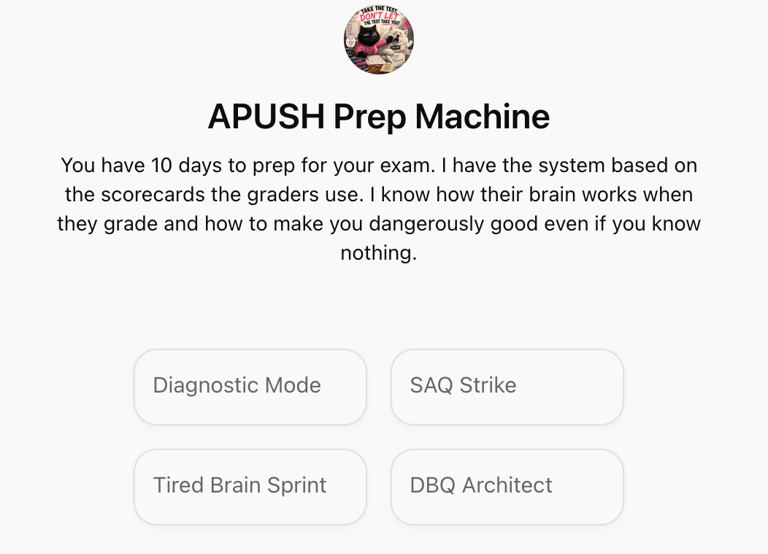
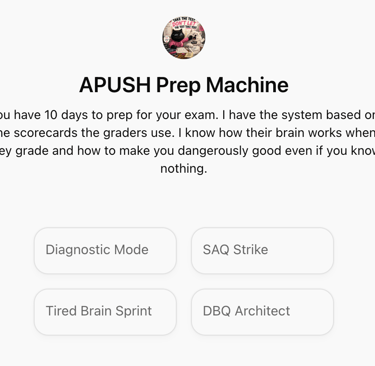
That is where the GPT became more like a learning tool and less like a chat box.
Step 4: Make the AI Tutor diagnose before teaching
If students say, “I need to take the test and I know nothing,” they start from the course intro with an attempt to read the textbook from cover to cover or watch entire class worth of videos and take notes.
In that case, I recommend they first find where the points are leaking by running the Diagnostic Mode as a starting point. The AI Tutor should not just begin by explaining Period 3 or giving a timeline. It should test the learner first.
For APUSH, the diagnostic includes:
multiple-choice questions
short-answer practice
a thesis challenge
an evidence retrieval task
Then the AI classifies mistakes:
content gap
period confusion
vague evidence
source misread
distractor trap
weak thesis
weak explanation
timing issue
overthinking
We do this because different problems need different fixes.
If a student misses a question because they do not know the content, they need review.
If they miss it because they picked an answer from the wrong time period, they need timeline training.
If they write a weak SAQ, they may not need more history. They may need sentence structure and evidence practice.
Diagnosis prevents wasted studying.
The prompt I used:
Step 5: Add active recall
I did not want the AI to become just another digital textbook that explains content for five paragraphs and then asks, “Does that make sense?”
It needed to use a teach-test-correct-retry loop.
The AI can explain briefly, but then it must make the learner do something:
answer a question
write a thesis
identify evidence
revise a weak sentence
compare two developments
explain cause and effect
sort examples into themes
The learner should not be allowed to sit there passively consuming information. Passive rereading feels productive, but so does buying a planner and never opening it.
The prompt I used:
Step 6: Build feedback into every attempt
Another important decision: the AI Tutor should not wait until the end to give feedback.
If a student answers an MCQ, they need immediate correction.
If they write an SAQ response, they need to know whether it earns the point.
If they write a thesis, they need to know whether it is defensible.
So I built in two types of feedback:
Micro-feedback after each attempt
Session scorecard at the end
Micro-feedback looks like this:
Correct or incorrect
Why
What trap appeared
What to remember
What to fix
The end-of-session scorecard looks like this:
Session score
Content mastered
Skill improved
Evidence added
Error Log updates
Still weak
Tomorrow’s first task
5-minute comeback task
This keeps learning tight. The student gets feedback while the mistake is still fresh, not 30 minutes later when their brain has already wandered off to snacks and TikTok feeds.
The prompt I used:
Step 7: Create an evidence bank, not a fact list
For APUSH, facts alone are not enough.
Students need to know what each fact proves.
So the AI should not simply list:
Dawes Act
Chinese Exclusion Act
Populist Party
New Deal
Civil Rights Act
That vocabulary is useful but not enough.
Instead, each item in the evidence bank should include:
what it is
what period it belongs to
what theme it supports
what it proves
where it can be used
what not to confuse it with
what it pairs with
For example:
Dawes Act, 1887
Theme: Native policy, federal power, westward expansion
Proves: Federal policy attempted to assimilate Native Americans by breaking up tribal landholding.
Use it for: Period 6, westward expansion, Native resistance, assimilation, federal power.
Do not confuse it with: Indian Removal Act, which belongs to Period 4.
Pair it with: reservation system, Ghost Dance, Wounded Knee, Indian Removal Act.
This is much more powerful than memorization because it prepares students to use evidence flexibly.
The prompt I used:
Step 8: Use evidence pairs for comparison and complexity
For APUSH, facts alone are not enough.
Students need to know what each fact proves.
So the AI should not simply list:
Dawes Act
Chinese Exclusion Act
Populist Party
New Deal
Civil Rights Act
That vocabulary is useful but not enough.
Instead, each item in the evidence bank should include:
what it is
what period it belongs to
what theme it supports
what it proves
where it can be used
what not to confuse it with
what it pairs with
For example:
Dawes Act, 1887
Theme: Native policy, federal power, westward expansion
Proves: Federal policy attempted to assimilate Native Americans by breaking up tribal landholding.
Use it for: Period 6, westward expansion, Native resistance, assimilation, federal power.
Do not confuse it with: Indian Removal Act, which belongs to Period 4.
Pair it with: reservation system, Ghost Dance, Wounded Knee, Indian Removal Act.
This is much more powerful than memorization because it prepares students to use evidence flexibly.
The prompt I used:
Step 9: Add session management
This was a practical problem I almost missed.
If the study plan has Day 1, Day 2, Day 3, and so on, how will the AI know what day it is?
Answer: it will not, unless we tell it.
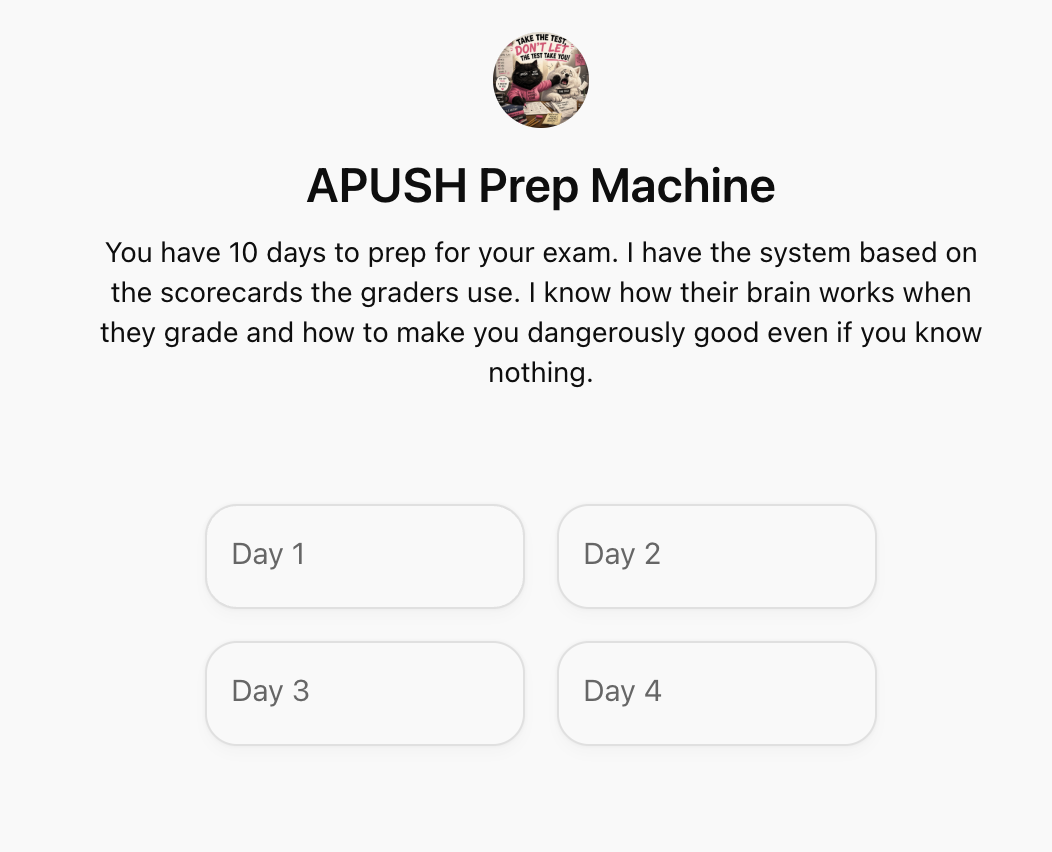
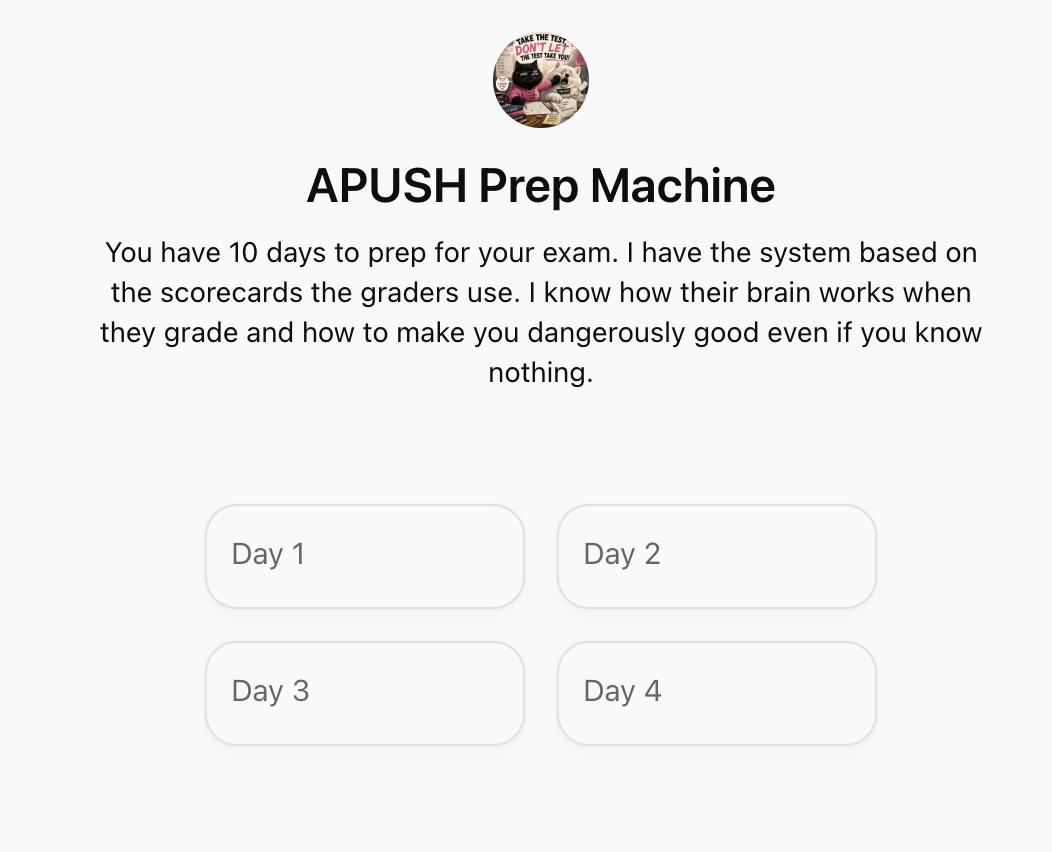
So I built a manual session system. The user can click a conversation starter or simply type:
“Start Day 3, 30 minutes.”
“Start Day 4, DBQ, 45 minutes.”
“I only have 15 minutes.”
“Continue where we left off.”
“End session.”
“Score me.”
The prompt I used:
This makes the AI Tutor much easier to use.
At the start of each session, the Tutor asks for:
study day
time available
mode
At the end, the user types:
End session.
Then the AI Tutor gives the session scorecard.
This solves the “calendar confusion” problem and makes the tool feel like a real study coach.
Step 10: Add motivation without making it childish
This was another important layer.
A learning AI tool should be effective, but if it is boring and repetitive, students will not return. Especially when the exam is close and stress is high.
So I added a light personalization system.
For my daughter, the GPT can occasionally reference:
tennis
beauty
street fashion
TikTok trends
Gen Z thinking
my Persian black cat Guff
my Samoyed Coconut
Teachers can do the same thing for their own classes. It does not have to be deeply personal or complicated. A teacher might tell the AI to occasionally reference general trends in the class: sports students like, popular shows, school events, local places, class inside jokes, shared goals, common mistakes, or the specific type of humor students respond to.
The key is to personalize the coaching environment, not the academic product with one rule:
Fun references are allowed in coaching comments, not in exam-style answers.
For example, the AI Tutor might say:
“This argument is giving strong TikTok comment energy. Dramatic but unsupported.”
That is fine.
But it should not produce this as an APUSH thesis:
“The Market Revolution was low-key America’s economic glow-up.”
That belongs on TikTok, not in a DBQ.
The trick is to make the learning experience engaging without contaminating the final performance.
The prompt I used:
Step 11: Build a “tired-brain” option
Real learners get tired, and adding a 15-minute mode option will still feel like a huge win for the day compared to completely opting out.
If the learner is overwhelmed, the AI Tutor should not say, “Let’s do a full DBQ.”
Offering 3 retrieval questions/3 MCQs/1 SAQ part/1 correction keeps the study streak alive. It also lowers the emotional barrier to starting.
Sometimes the best learning design is not “more rigorous.” If it’s “small enough that the student actually does it, we can call it a success.
The prompt I used:
Step 12: Protect the exam voice
AI can make learning fun, but the student still needs to produce formal academic language on the exam.
The AI must distinguish between:
practice explanation voice
memory device voice
exam answer voice
For example:
Fun explanation:
“The Articles of Confederation were basically a group project where nobody wanted a leader.”
Exam answer:
“The Articles of Confederation created a weak central government, which limited Congress’s ability to tax, regulate commerce, or respond effectively to domestic unrest.”
Both have value, but they belong in different places.
The prompt I used:
The final master prompt structure
After all those steps, the final AI Tutor instructions were organized into sections:
Role
Exam reality
Priorities
Tone
Learning design principles
Personalization
Session management
Modes
Feedback rules
End-session scorecard
Exam voice filter
If you dump everything into one giant paragraph, the AI may follow some parts and ignore others. Breaking the prompt into clear sections makes it easier for the AI Tutor to behave consistently.
Here is the simplified prompt educators can copy:
What I learned from building this AI Tutor
The biggest lesson is that a strong educational AI Tutor is not built by vaguely asking for “a helpful tutor.”
A strong AI tool needs:
a clear job
a clear learner outcome
a clear process
clear modes
feedback rules
session structure
memory/review systems
motivation design
boundaries around tone and output quality
The real work is in instructional design not prompting.
The prompt helps translate the instructional design into directions the AI can follow.
Instructors already think about objectives, scaffolding, misconceptions, assessment, engagement, and feedback. AI makes that expertise more scalable, especially if we are willing to design the tool instead of just chat with it.
